





When a business asks me to build a website, one of the first questions is which platform to use. WordPress and Webflow are the two I recommend most, and I build with both. The right choice isn’t the trendy one. It’s the one that fits what your business needs today and what you’ll want to do two years from now.
WordPress vs Webflow: the key differences at a glance
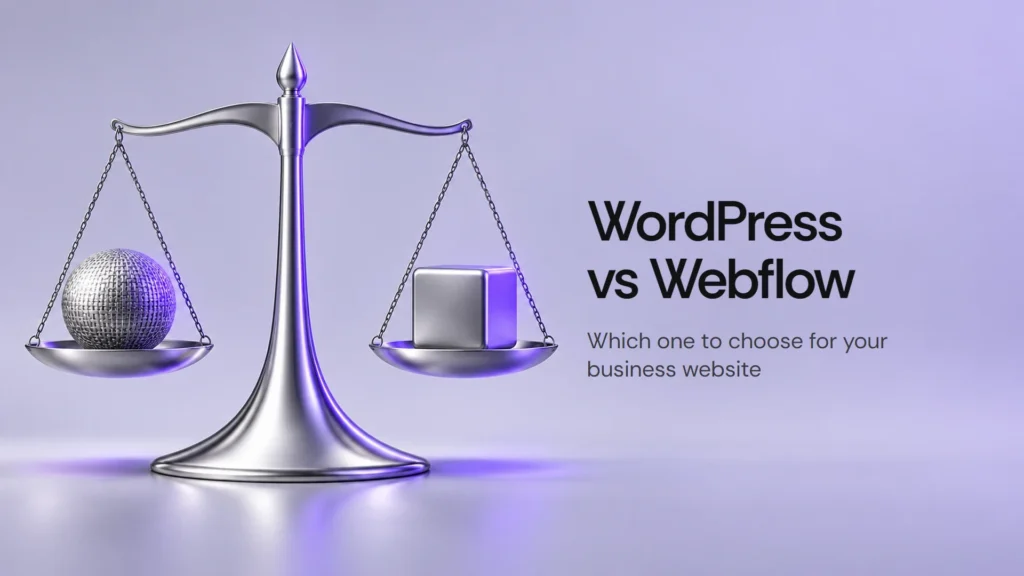
WordPress is a content management system you install on your own hosting: you get a lot of freedom, thousands of extensions and the responsibility of maintaining it. Webflow is a visual platform that already includes hosting: it’s more closed, but very polished in design and needs less maintenance.
WordPress vs Webflow comparison: design, SEO, cost and maintenance
| Criterion | WordPress | Webflow |
|---|---|---|
| Design freedom | Total, though it depends on the theme or custom development | Very high, with fine visual control |
| Editing content | Comfortable for text, blogs and many users | Comfortable with the visual editor; the client edits without breaking the design |
| Blog and lots of content | Its strong point | Works well, with fewer extensions available |
| Online store | WooCommerce, very flexible | Webflow Ecommerce, simpler and with limits |
| SEO | Very good with the right setup | Very good out of the box, with clean code |
| Maintenance and security | You have to update WordPress, plugins and PHP | The platform takes care of it |
| Cost | Hosting and, sometimes, paid extensions | Monthly plan per site |
| Ownership and exit | Your files and your database are yours | You depend on the platform; exporting is limited |

When WordPress is the better choice for a business website
- When the content is going to grow: a blog, many pages, several authors.
- When you need something custom: forms with logic, member areas, integrations with other tools.
- When you want to own everything and be able to change hosting provider.
- When the store will be large or needs very specific features.
When Webflow is the better choice for a business website
- When design and animation are central to the brand.
- When the website is mainly a presentation: services, projects, contact.
- When you don’t want to deal with updates, backups or security patches.
- When you need to launch quickly with a very polished result.
How to choose between WordPress and Webflow: 3 questions to ask
Three questions put almost everything in order.
- Who is going to update the website? If it’s you and you don’t want complications, ease matters more than flexibility.
- How much is it going to grow? A ten-page site and a two-hundred-page site call for different tools.
- What maintenance budget do you have? With WordPress, maintenance is part of the real cost. Keeping everything up to date really matters: serious flaws in PHP or plugins show up from time to time, and whoever patches them on time avoids trouble.
WordPress vs Webflow FAQs
Is WordPress or Webflow better for SEO?
Neither on its own. What ranks is the content, the speed, the structure and the links. Both tools let you do it well.
Can I migrate from WordPress to Webflow (or the other way) later?
You can, but it’s a migration with real work: the design has to be rebuilt and the content moved. That’s why it pays to choose well at the start.
Is WordPress cheaper than Webflow?
It depends. Hosting usually costs less than a Webflow plan, but you have to add paid extensions and maintenance time.
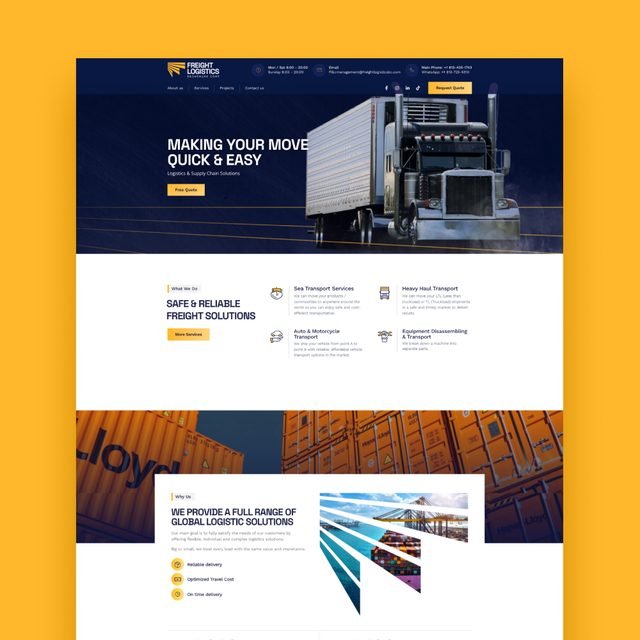
Before choosing a tool it helps to be clear about what the website should achieve, and these seven things a business website needs will help with that. If you’re torn between the two, tell me what you need and I’ll recommend the one that fits, even if it isn’t the one I prefer that day. You can see examples of both in my projects.